Navigating the world of Roblox game creation can be exhilarating, but discussions around "game copier Roblox" can often lead to confusion and even risks. This comprehensive guide aims to demystify what users mean by "game copier Roblox," differentiating between legitimate Roblox Studio functionalities for asset sharing and development, and the perilous unofficial tools that promise illicit game duplication. For adult gamers who balance their passion with life's demands, understanding these distinctions is crucial for account security, safe creative expression, and optimizing their gaming experience. We delve into how Roblox developers truly manage their projects, the severe risks associated with third-party 'copiers,' and essential tips to protect your valuable time and digital assets within the Roblox ecosystem. Our focus is on providing practical, actionable advice, ensuring you can engage with Roblox's vast creative platform responsibly and securely, keeping your enjoyment and investment safe from potential threats. Stay informed and secure while exploring the boundless possibilities Roblox offers for both play and creation.
What are the dangers of downloading a "game copier Roblox"?
Downloading an unofficial "game copier Roblox" tool exposes your computer and account to significant risks. These tools are often fronts for malware, viruses, or keyloggers designed to steal your Roblox credentials, Robux, and even personal information, potentially leading to identity theft or financial loss.
How can I tell if a Roblox tool is legitimate or a scam?
Legitimate Roblox tools are almost exclusively found within Roblox Studio itself, or on official Roblox websites (like create.roblox.com or devforum.roblox.com). Be wary of any executable downloads from third-party sites, promises of free Robux or items, or tools claiming to bypass Roblox's security or content protection. Always check the URL and read community reviews from trusted sources.
Is it possible to share my Roblox game assets with friends for collaboration?
Yes, Roblox Studio's Team Create feature is designed specifically for this. You can invite friends to work on your game in real-time, sharing assets and development tasks securely within the official platform. This is the most effective and safe way to collaborate on Roblox game creation.
If I want to learn from another game's mechanics, how can I do it without copying?
You can legitimately learn from other games by playing them extensively, observing their design choices, and analyzing how different elements contribute to the player experience. Many successful developers also share insights, tutorials, and post-mortems through official Roblox channels like the Developer Forum or Creator Hub, providing valuable knowledge without illicit copying.
Does Roblox allow me to protect my game from being copied by others?
Yes, Roblox has built-in protections for creators' intellectual property. By default, your published games are not downloadable by others outside of sanctioned collaborative environments like Team Create, where you grant explicit permission. Roblox's Terms of Service also strictly prohibit unauthorized copying and distribution of content.
What are common signs of a phishing scam related to Roblox game copying?
Common signs of phishing scams include links to non-roblox.com websites that look similar to Roblox, urgent messages demanding your login information, promises of massive amounts of free Robux or rare items, or requests to download suspicious executable files. Always verify URLs and be suspicious of anything too good to be true.
Can using a "game copier" impact my computer's performance or stability?
Absolutely. Unofficial "game copier" software, especially if it contains malware, can severely degrade your computer's performance, cause system crashes, lead to data loss, and generally compromise the stability and security of your entire operating system, not just your Roblox client.
Many adult gamers, like you, juggle careers, families, and personal lives, seeking solace and fun in games like Roblox. You want to unwind, perhaps even dabble in game creation, or simply understand the mechanics behind your favorite experiences. It is natural to encounter terms like "game copier Roblox" and wonder what they truly mean. Maybe you are curious about backing up your own creations, or perhaps you've heard whispers of tools claiming to duplicate others' games. This article is your straightforward guide, cutting through the hype to provide practical, authoritative information. We know your time is precious, so we will focus on what is safe, legitimate, and beneficial for your gaming journey, helping you avoid potential pitfalls and maximize your enjoyment and creativity within the Roblox universe.
For many, gaming is more than just a pastime; it is a way to relax, connect with friends, and even build new skills. With 87% of US gamers playing regularly, often dedicating 10+ hours a week, and social gaming trends continuously rising, platforms like Roblox offer unparalleled opportunities for both play and creation. But just as you'd safeguard your finances or personal data, protecting your Roblox account and creations is vital. We will address common pain points, from understanding legitimate development practices to navigating the risks of unofficial software, ensuring your time in Roblox remains productive, secure, and fun. Let's explore the reality behind "game copier Roblox" and empower you with the knowledge to make smart, informed decisions.
What Exactly Does "Game Copier Roblox" Mean to the Gaming Community?
When gamers search for "game copier Roblox," they are typically exploring two main intentions. First, some users are genuinely looking for ways to back up their own created games or efficiently transfer assets within their development workflow in Roblox Studio. This is a legitimate and often necessary part of game development. Second, and more problematically, the term is frequently associated with unofficial third-party tools or exploits that claim to "copy" or "rip" games created by other users without their permission. These tools are almost always against Roblox's Terms of Service and often harbor significant security risks, from account compromise to malware.
Are Roblox Game Copiers Safe or Legal to Use?
In almost all cases, unofficial "game copier" tools for Roblox are neither safe nor legal according to Roblox's Terms of Service. Roblox's platform is designed to protect creator intellectual property. Attempting to copy another user's game without explicit permission is a violation of these terms and can lead to account bans. Beyond the policy violations, these third-party programs often contain malicious software, such as viruses, keyloggers, or phishing scripts, designed to steal your account credentials or personal information. US gamers, particularly those balancing life and gaming, understand the value of security and privacy, making it crucial to avoid such risky software.
How Do Roblox Developers Legally Share or Remix Content?
Roblox provides robust, legitimate tools for developers to share and remix content responsibly within Roblox Studio. Creators can make models, scripts, or entire places public for others to use and modify, often found in the Roblox Toolbox. This is a collaborative ecosystem built on consent. Furthermore, developers working in teams can utilize Roblox Studio's Team Create feature, allowing multiple users to work on the same game simultaneously, with built-in version control and asset sharing. This month's trends continue to highlight social and collaborative gaming, reinforcing the importance of these official, secure methods for shared creation rather than risky "copying" tools.
What Are the Risks of Using Unofficial "Game Copier" Tools?
The risks associated with unofficial "game copier Roblox" tools are substantial and can severely impact your gaming experience and digital security. These include:
- Account Compromise: Many tools are designed to steal your Roblox account credentials, leading to loss of Robux, limited items, and even permanent account bans.
- Malware and Viruses: Downloading executables from unknown sources is a primary way to infect your computer with viruses, ransomware, or spyware, which can affect your entire system, not just Roblox.
- Bans from Roblox: Using unauthorized third-party software to bypass security measures or copy content is a direct violation of Roblox's Terms of Service, resulting in temporary or permanent account suspension.
- Loss of Trust: If you are a developer, engaging in illicit copying can damage your reputation within the Roblox community.
How Can I Protect My Roblox Account from Malicious Software and Scams?
Protecting your Roblox account is paramount, especially when so much of your leisure time and potentially real money is invested. Here are essential steps:
- Use Strong, Unique Passwords: Create complex passwords and avoid reusing them across multiple platforms.
- Enable Two-Step Verification (2SV): This adds an extra layer of security, requiring a code from your email to log in from a new device.
- Be Skeptical of Third-Party Downloads: Never download executables or plugins from unofficial websites or suspicious links promising free Robux, game copiers, or exclusive items.
- Verify Links: Always check that website URLs are legitimately roblox.com before entering credentials. Phishing scams are rampant.
- Keep Software Updated: Ensure your operating system, web browser, and antivirus software are current to protect against known vulnerabilities.
- Educate Yourself: Stay informed about common scams and security practices, often shared by the Roblox community and official Roblox support.
What Official Roblox Studio Features Support Game Creation and Sharing?
Roblox Studio is a powerful, free development environment that offers all the tools you need for legitimate game creation and sharing. Beyond Team Create, you can:
- Utilize the Toolbox: Access millions of free models, audio, and scripts uploaded by other creators, often available under specific licenses for reuse.
- Publish and Update Games: Easily publish your games to the Roblox platform for millions to play, and continuously update them with new content.
- Manage Game Assets: Upload custom meshes, images, audio, and videos directly within Studio, maintaining full control over your intellectual property.
- Collaborate with Friends: Use Team Create to build together in real-time, fostering social play and skill-building, a key aspect for many Gen Z/Millennial gamers.
Can I Copy My Own Roblox Games for Backup or Development Purposes?
Yes, absolutely! You can (and should) copy and back up your *own* Roblox games and assets within the legitimate framework of Roblox Studio. To do this, simply open your game in Roblox Studio, go to 'File', and select 'Save to File' or 'Save to Roblox As...'. 'Save to File' lets you create a local copy (.rbxl file) on your computer, which is excellent for personal backups or offline editing. 'Save to Roblox As...' allows you to publish a new version of your game or create a completely new game from an existing one, providing a safe way to iterate on designs or create spin-offs of your work without affecting the original. This process is secure, fully supported by Roblox, and crucial for responsible development.
Where Can I Learn More About Secure Roblox Development and Avoiding Exploits?
To deepen your understanding of secure Roblox development and steer clear of exploits, several official and community-driven resources are invaluable. The official Roblox Creator Hub is the primary source for tutorials, documentation, and best practices directly from Roblox. The Roblox Developer Forum is a vibrant community where experienced developers share knowledge, ask questions, and discuss security topics. Additionally, reputable YouTube channels focused on Roblox development often provide excellent, up-to-date guides. For busy gamers, these resources offer concise, practical advice to enhance your skills and keep your creations safe. Staying informed through official channels is the best defense against misinformation and malicious practices.
Is There a Legitimate Way to Analyze Other Roblox Games for Learning?
Yes, there are legitimate and ethical ways to learn from other Roblox games without resorting to "game copier" tools. Many developers make their game assets and even entire game files available in the Roblox Toolbox or on the Creator Marketplace. These are explicitly shared for community use, often under specific licenses. You can also gain immense insight by simply playing popular games and observing their mechanics, UI design, and monetization strategies. Many successful creators also publish dev logs, tutorials, or post-mortems on platforms like YouTube or the Developer Forum, sharing their design philosophies and technical approaches. This type of learning fosters a healthy development ecosystem, promoting skill-building and collaboration over illicit copying.
In conclusion, while the term "game copier Roblox" might initially spark curiosity, it is crucial to understand the distinction between legitimate development practices and risky, unofficial tools. For adult gamers balancing life's demands, prioritizing account security and ethical engagement within the Roblox ecosystem is key. Stick to Roblox Studio's robust features for creation, collaboration, and backing up your own work. By doing so, you protect your time, your creations, and your personal information, ensuring your Roblox experience remains enjoyable, secure, and truly rewarding. What's your biggest gaming challenge when it comes to creating or securing your experiences in Roblox? Comment below and let's discuss!
FAQ Section
Is using a Roblox game copier always illegal? Not necessarily. The term is broad. Copying your *own* game for backup or development in Roblox Studio is legitimate. Copying *another's* game without permission using unofficial tools is against Roblox's TOS and potentially illegal, risking account bans and malware.
Can I get banned for trying to copy a Roblox game? Yes, attempting to copy another user's game or using unauthorized third-party software that tries to bypass Roblox's security measures will likely result in a temporary or permanent ban from the platform.
What is the safest way to get game assets in Roblox? The safest and most legitimate way to acquire assets is through the Roblox Studio Toolbox or the Creator Marketplace, where creators explicitly share models, scripts, and other content for public or licensed use.
Are there free ways to develop games on Roblox? Absolutely! Roblox Studio is a completely free development environment. You can create, publish, and update games without any upfront cost, making it highly accessible for aspiring creators, including budget-conscious gamers.
How do I back up my own Roblox game securely? Open your game in Roblox Studio, go to 'File', and select 'Save to File'. This creates a local .rbxl file on your computer, providing a secure, offline backup of your game's progress.
What should I do if someone offers me a 'Roblox game copier'? Immediately decline, report the user if they are offering it on Roblox, and avoid clicking any links or downloading any files they provide. These are often phishing or malware attempts.
What are the dangers of downloading a "game copier Roblox"?
Downloading an unofficial "game copier Roblox" tool exposes your computer and account to significant risks. These tools are often fronts for malware, viruses, or keyloggers designed to steal your Roblox credentials, Robux, and even personal information, potentially leading to identity theft or financial loss.
How can I tell if a Roblox tool is legitimate or a scam?
Legitimate Roblox tools are almost exclusively found within Roblox Studio itself, or on official Roblox websites (like create.roblox.com or devforum.roblox.com). Be wary of any executable downloads from third-party sites, promises of free Robux or items, or tools claiming to bypass Roblox's security or content protection. Always check the URL and read community reviews from trusted sources.
Is it possible to share my Roblox game assets with friends for collaboration?
Yes, Roblox Studio's Team Create feature is designed specifically for this. You can invite friends to work on your game in real-time, sharing assets and development tasks securely within the official platform. This is the most effective and safe way to collaborate on Roblox game creation.
If I want to learn from another game's mechanics, how can I do it without copying?
You can legitimately learn from other games by playing them extensively, observing their design choices, and analyzing how different elements contribute to the player experience. Many successful developers also share insights, tutorials, and post-mortems through official Roblox channels like the Developer Forum or Creator Hub, providing valuable knowledge without illicit copying.
Does Roblox allow me to protect my game from being copied by others?
Yes, Roblox has built-in protections for creators' intellectual property. By default, your published games are not downloadable by others outside of sanctioned collaborative environments like Team Create, where you grant explicit permission. Roblox's Terms of Service also strictly prohibit unauthorized copying and distribution of content.
What are common signs of a phishing scam related to Roblox game copying?
Common signs of phishing scams include links to non-roblox.com websites that look similar to Roblox, urgent messages demanding your login information, promises of massive amounts of free Robux or rare items, or requests to download suspicious executable files. Always verify URLs and be suspicious of anything too good to be true.
Can using a "game copier" impact my computer's performance or stability?
Absolutely. Unofficial "game copier" software, especially if it contains malware, can severely degrade your computer's performance, cause system crashes, lead to data loss, and generally compromise the stability and security of your entire operating system, not just your Roblox client.
Understanding Roblox game copying; Legitimate asset sharing in Roblox Studio; Risks of unofficial game copier tools; Account security best practices for Roblox; Official Roblox development resources; Community guidelines and Terms of Service adherence.
35
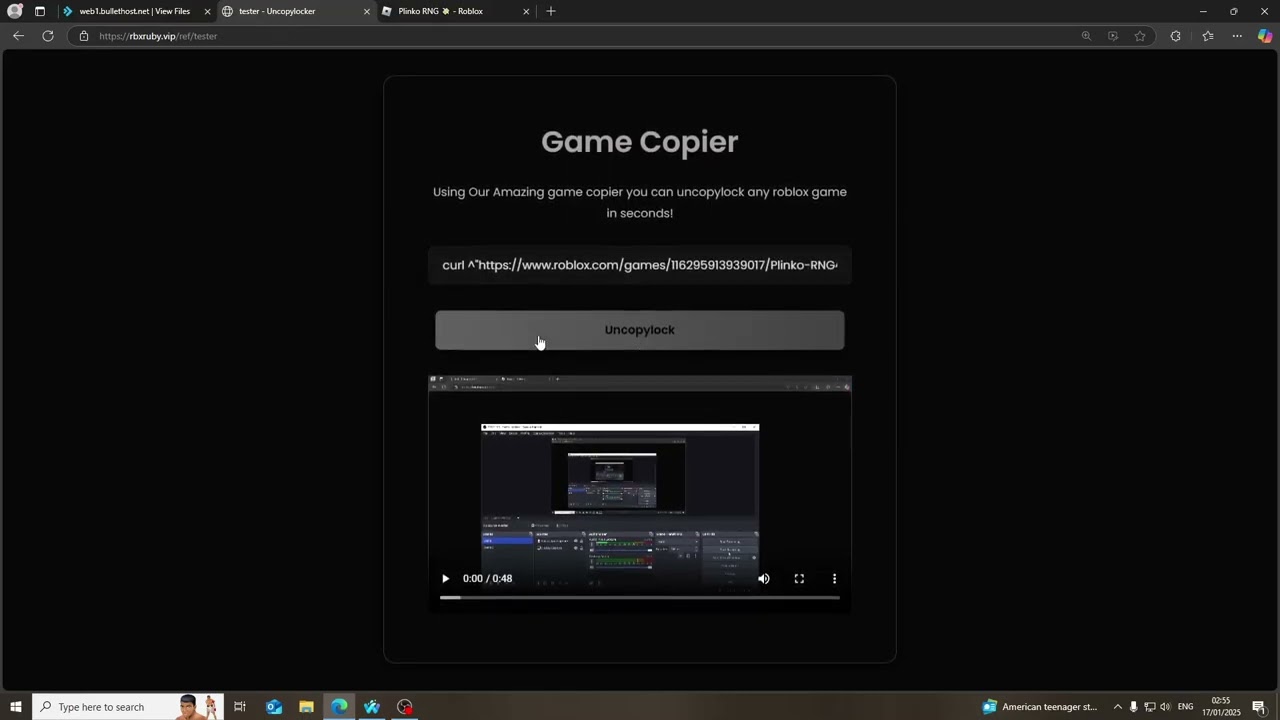


Roblox Game Copier Tutorial 2025 How To Safely Clone Any Game Without . NEW HOW TO COPY GAMES ON ROBLOX IN 2025 WORKING GAME COPIER YouTube . How To Copy Roblox Games To Roblox Studio Full Tutorial 800x450. How To Clone Copy A Game In Roblox For Free 2026 Copy Roblox Games . Can You Copy A Roblox Game And How Do You Do It


How To Copy Game Roblox H Ng D N Chi Ti T V L U Quan Tr Ng . Roblox Game Copier Roblox Game Copier Rbxl 2026 Icons BXTRF . Can You Copy A Roblox Game And How Do You Do It . Roblox Game Copier Copy Games In Minutes Works 2025 800x450. New How To Copy Games On Roblox In 2025 Working Roblox Game Copier Copy Mqdefault


How To Copy Games On Roblox Copies With Maps Scripts 800x450. US Roblox Studio Tutorial How To Duplicate A Game In 2026 Prizecp Mqdefault . How To Message On Roblox 2026 A Quick Guide SL1500 . How To Copy Games On Roblox 2026 Still Working YouTube . New How To Copy Games On Roblox In 2025 Copy Copylocked Games With Mqdefault


How To Copy Games On Roblox In 2025 Copies With Maps Scripts Itslucas Mqdefault . New How To Copy Games On Roblox In 2025 Game Copier Copy With Maps Mqdefault . WORK Roblox Game Copier 2026 Easy Way To Copy Roblox Games In 2026 . New How To Copy Games On Roblox In 2025 Game Copier Copy With Maps Mqdefault . New How To Copy Games On Roblox In 2025 Working Roblox Game Copier Mqdefault


ROBLOX GAME COPIER 2026 EASY WAY TO MAKE ROBUX FAST YouTube . Find Your Roblox Memories A Capture Guide . New How To Copy Roblox Games Legit Works On Any Game Lando Mp3 Mp4 Mqdefault . New How To Copy Games On Roblox In 2025 Working Game Copier Game Copier Mqdefault . New How To Copy Games On Roblox In 2025 Working Roblox Game Copier Mqdefault



New How To Copy Games On Roblox In 2025 Working Roblox Game Copier Mqdefault . New How To Copy Games On Roblox In 2025 Working Game Copier Game Copier Mqdefault . Can You Copy A Roblox Game And How Do You Do It . New How To Copy Games On Roblox In 2025 Copy Any Game Script And Map On Mqdefault . Popular Roblox Games Copiers Roblox Group Rolimon S NoFilter


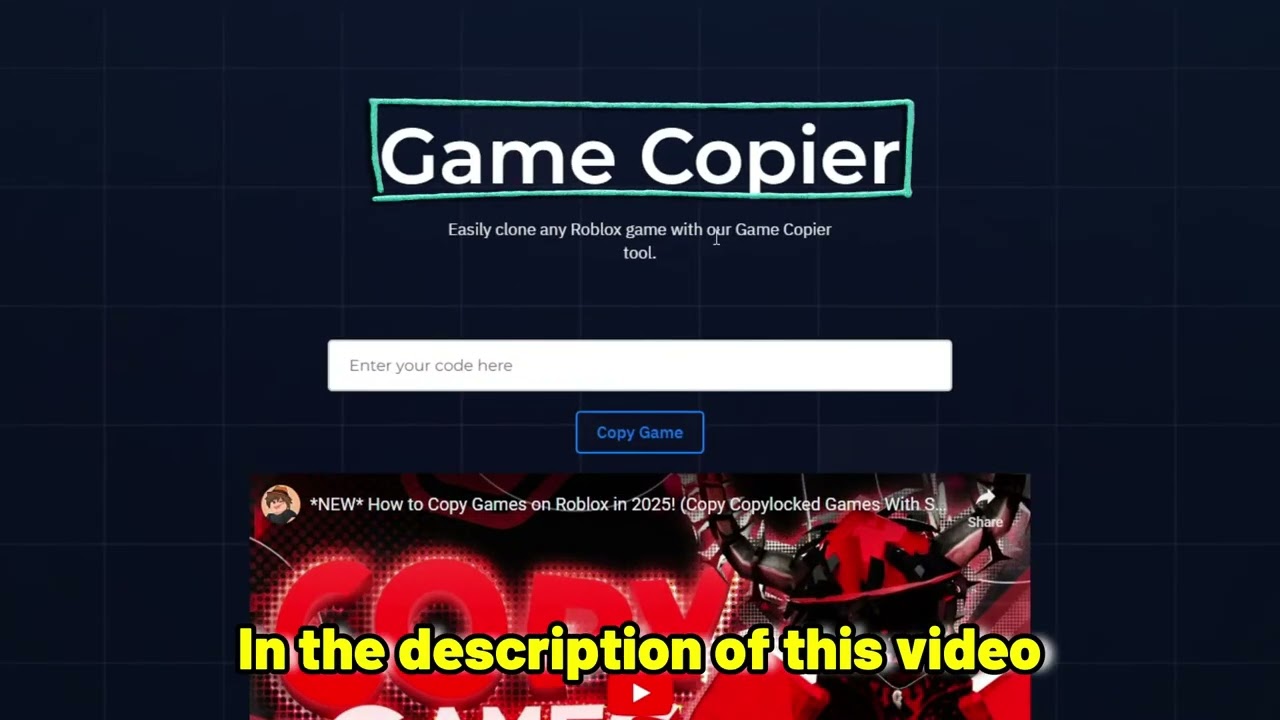
How To Copy ANY Roblox Game To Roblox Studio YouTube . How To Copy A Game On Roblox Direct Copy Paste Easy Way YouTube . New How To Copy Games On Roblox In 2025 Working Roblox Game Copier Mqdefault . New How To Copy Games On Roblox In 2025 Game Copier Copy With Maps Mqdefault . NEW HOW TO COPY GAMES ON ROBLOX IN 2025 WORKING GAME COPIER COPY ANY