Navigating the process of refunding roblox purchases in 2026 requires a deep understanding of the latest digital commerce laws and platform policies. Whether you are a PC gamer dealing with an accidental Robux transaction or a parent looking to reverse unauthorized charges this guide provides comprehensive insights. We explore how to contact support effectively and utilize the new AI driven dispute resolution systems implemented by major gaming platforms. Refunding roblox items or subscriptions often involves distinct steps depending on whether the purchase was made through the official website or a third party store. This informational resource covers everything from item deletions to premium membership cancellations ensuring you have the knowledge to protect your digital wallet. Stay ahead of the trends and learn the best practices for managing your gaming finances in the evolving landscape of 2026 digital entertainment.
Can I get a refund for accidental Robux purchases?
Roblox generally maintains a strict no refund policy for Robux once they have been added to your account balance. However in cases of accidental purchases or unauthorized transactions you should contact Roblox Support within 48 hours for a potential resolution. They assess each case individually based on account history and purchase verification through official channels.
What happens if I buy an item and it gets deleted?
If you purchased a virtual item that is later removed from the Roblox catalog for policy violations you are typically eligible for an automated refund. Roblox usually sends a credit notification to your account inbox. If this does not happen automatically you can submit a support ticket providing the item details to request your Robux back.
How do I refund a Roblox purchase on a PC?
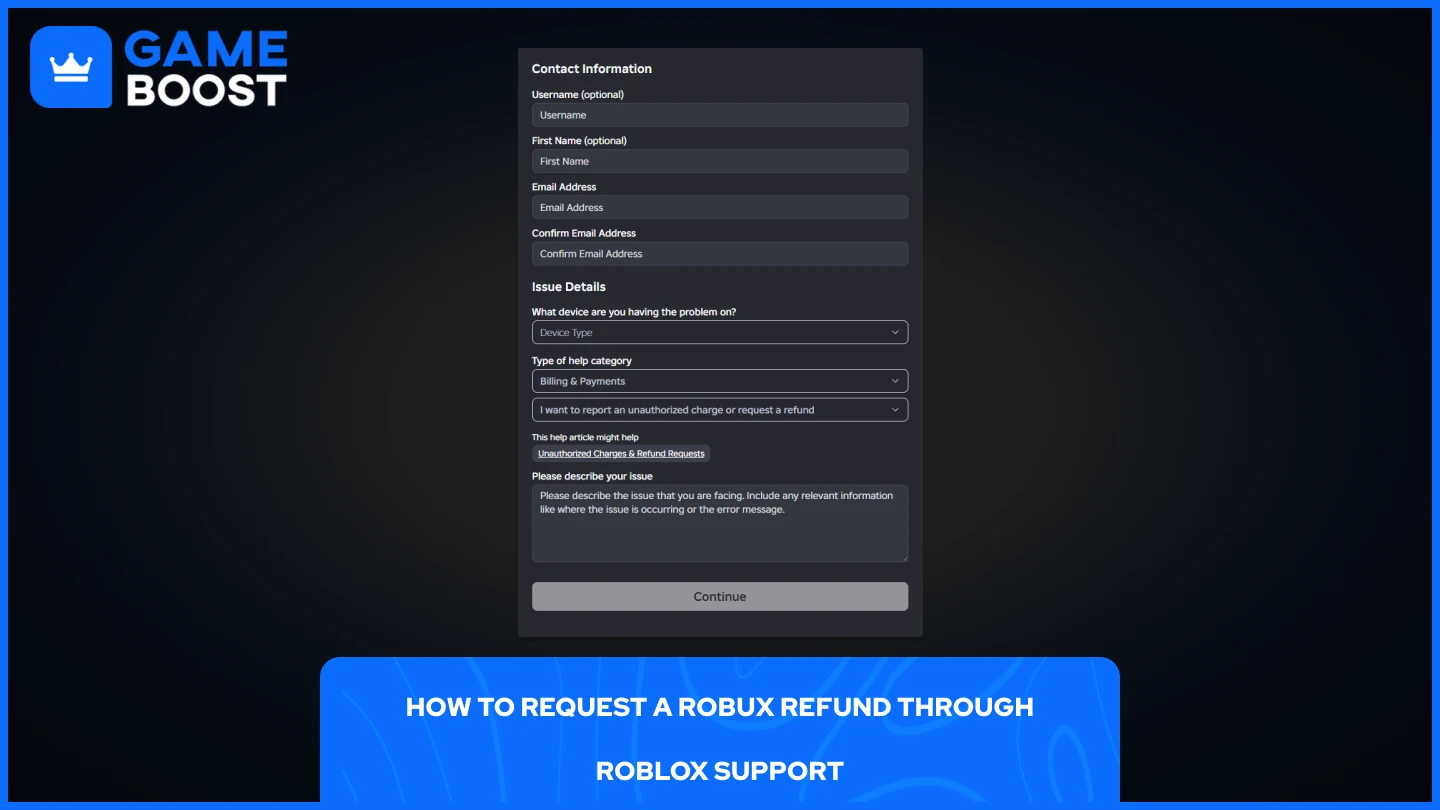
To request a refund on PC you must visit the Roblox Support website and fill out the contact form. Select Billing and Payments as the category and provide detailed information including the date of purchase and transaction ID. Roblox does not offer an in app refund button so direct communication with their support team is necessary.
Can I get a refund for Roblox Premium?
Roblox Premium subscriptions are generally non refundable once the billing cycle has started. You can cancel your subscription at any time to prevent future charges but you will usually retain access to the benefits until the current period ends. For accidental renewals contacting support immediately is your best chance for a one time exception.
Will my account be banned for a chargeback?
Yes Roblox has a very strict policy against chargebacks. If you dispute a charge directly through your bank or credit card company instead of going through Roblox Support your account will likely be permanently banned. Always attempt to resolve billing issues with Roblox directly first to protect your account and all its virtual assets.
Refunding Roblox The Ultimate Guide for PC Gamers in 2026
The world of PC gaming in 2026 has seen a massive shift toward digital assets and complex virtual economies. As Roblox continues to dominate as a premier social gaming platform for users aged 18 to 45 in the United States, the frequency of transactions has skyrocketed. With high refresh rate monitors and AI enhanced experiences, players are spending more time and money within these virtual worlds. However, with more transactions comes a greater chance of errors or buyer remorse. Understanding the intricacies of refunding roblox purchases is now a vital skill for every modern gamer.
In 2026, Roblox has integrated more sophisticated customer service tools, but their core policy remains relatively strict. According to recent industry benchmarks, digital storefronts are moving toward automated dispute resolution, yet Roblox still emphasizes account security and personal responsibility. This guide will walk you through the nuances of the refunding roblox process, covering Robux, virtual items, and premium subscriptions.
The Core Roblox Refund Policy in 2026
Before attempting to get your money back, it is essential to understand the Terms of Service. Generally, Roblox states that all sales of virtual currency and items are final. This is a standard practice across high end PC games and platforms to prevent fraud and maintain the stability of the in game economy. However, exceptions are made for unauthorized charges or technical glitches.
How to Contact Roblox Support for Refunds
To initiate any request regarding refunding roblox transactions, you must use the official support form. Provide your account details, a description of the issue, and the transaction ID. In 2026, the use of AI assistants has streamlined this process, often providing a response within 24 hours. Be sure to select the Billing or Payments category to ensure your ticket reaches the right department.
Dealing with Unauthorized Charges
If you notice charges on your credit card or bank statement that you did not authorize, act immediately. Roblox takes security seriously. You should report these charges through the support portal. Note that if you dispute the charge directly with your bank or credit card company before contacting Roblox, your account may be permanently banned for a chargeback. It is always better to attempt a resolution with the platform first.
Refunds for Deleted Items
One common scenario in 2026 involves refunding roblox items that have been removed from the platform for violating community standards. When an item you purchased is deleted, Roblox often issues an automated refund in the form of Robux. You will usually receive a message in your Roblox inbox notifying you of the credit. If you do not receive this credit automatically, you can reach out to support with the item name and purchase date.
Refunding Subscriptions and Premium Memberships
Managing a Roblox Premium subscription on a high end PC setup is simple, but canceling it requires specific steps. If you want a refund for a recent renewal, the policy is much stricter. Subscriptions are generally non refundable, but you can prevent future charges by canceling the renewal at least 24 hours before the next billing cycle. For users in certain U.S. states with stricter consumer protection laws, there may be more flexibility regarding pro rated refunds.
Third Party Purchases Apple Google and Amazon
If you purchased Robux or memberships through a mobile device or a third party store, the refunding roblox process does not go through Roblox directly. Instead, you must follow the refund procedures of the Apple App Store, Google Play Store, or Amazon Appstore. Each of these platforms has its own set of rules and timelines for digital goods. Usually, you have a 48 hour window to request a refund through these stores for accidental purchases.
Future Outlook for Digital Refunds in 2026
As we look toward the future of PC gaming, we expect even more transparency in digital transactions. New regulations are being discussed that could force platforms to offer more lenient refund windows, similar to Steam’s current policy. For now, staying informed and keeping your account secure with two factor authentication is the best way to manage your Roblox investments.
Roblox generally maintains a no refund policy for Robux and items. Unauthorized charges should be reported within 48 hours. Refunds for items deleted from the catalog are often automated. Third party purchases must be handled through Apple Google or Amazon stores. Account security is the primary defense against non refundable unauthorized transactions.
35


UPDATED How To REFUND Items On Roblox 2026 Gamepasses UGC Robux . How To Get A Refund For Deleted Items On Roblox 2026 YouTube . Roblox Lawsuit Refund Complete Claims Guide For 2026 Roblox Lawsuit Refund 2026 Guide Banner With Gavel And Game Controller Icons On Navy. Can You Refund Items On Roblox In 2026 What You Need To Know How To Refund Roblox Items For Robux 1 . How To REFUND ITEMS On ROBLOX In 2026 Working YouTube


2026 How To Refund Items On Roblox Gamepasses UGC Robux YouTube . How To Refund Roblox Items In 2026 TikTok Img. How To Refund Items On Roblox Step By Step Tutorial 2026 YouTube . How To Refund Items On Roblox PC Mobile F35be174 67e7 4f71 Ba97 Webp.webp. Can You Refund Items On Roblox In 2026 What You Need To Know How To Refund Items On Roblox Easy Guide


How To REFUND ITEMS On ROBLOX And Get Your Robux Back 2026 YouTube . Can You Refund Items On Roblox In 2026 What You Need To Know How To Refund Items On. How To Refund Items On Roblox Mobile 2026 YouTube . Can You Return Roblox Items A 2026 Guide . How To Refund Items On Roblox Mobile 2026 Android IPad IPhone YouTube

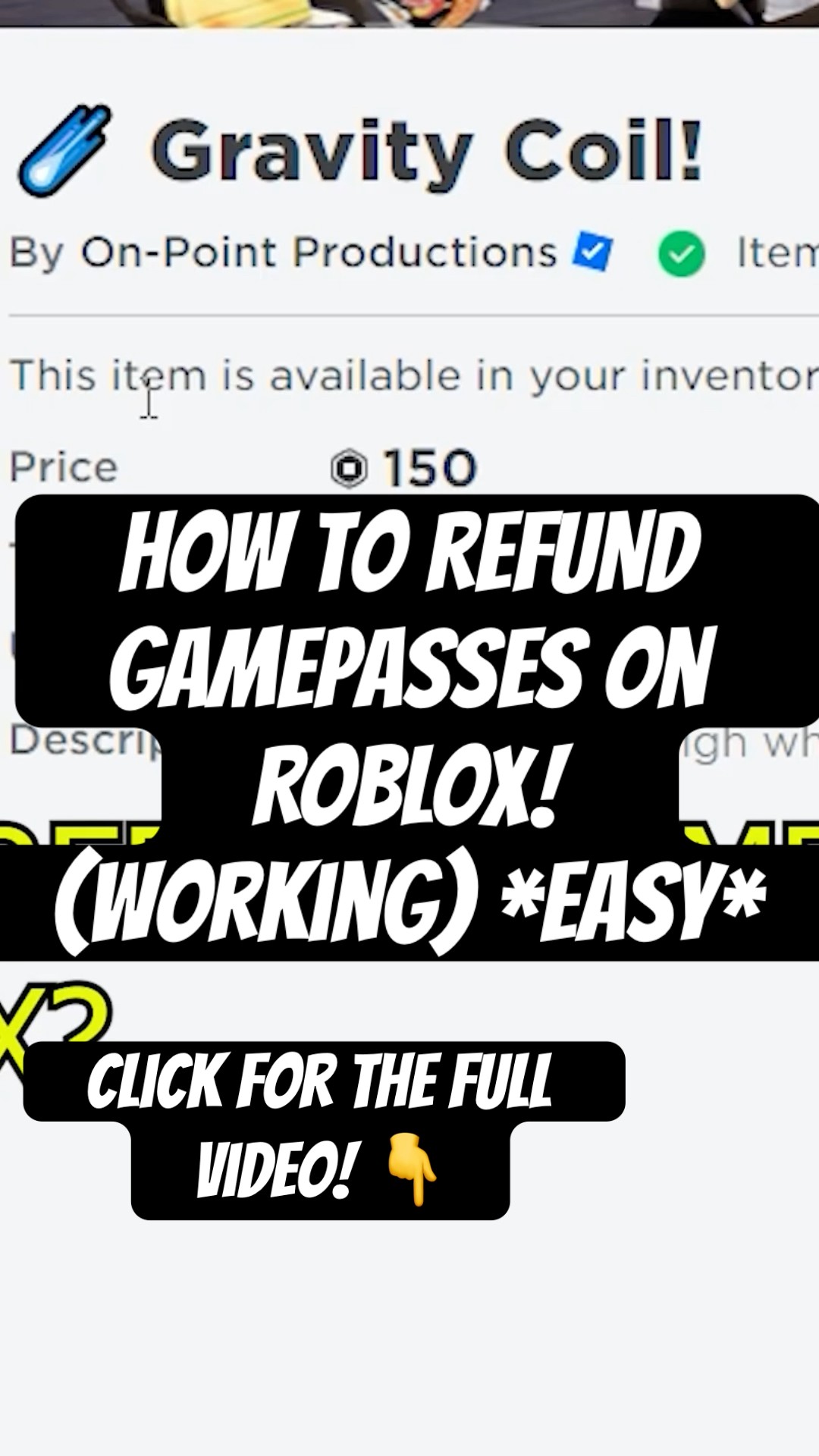


How To REFUND GAMEPASSES On ROBLOX 2026 Get Your Robux Back YouTube . How To REFUND GAMEPASSES On ROBLOX In 2026 Working Easy Roblox Oardefault . How To REFUND ITEMS On ROBLOX To Get Your Robux Back 2026 YouTube . How To REFUND ITEMS On Roblox MOBILE 2026 YouTube . How To Get Refund In Roblox 2026 Full Guide YouTube
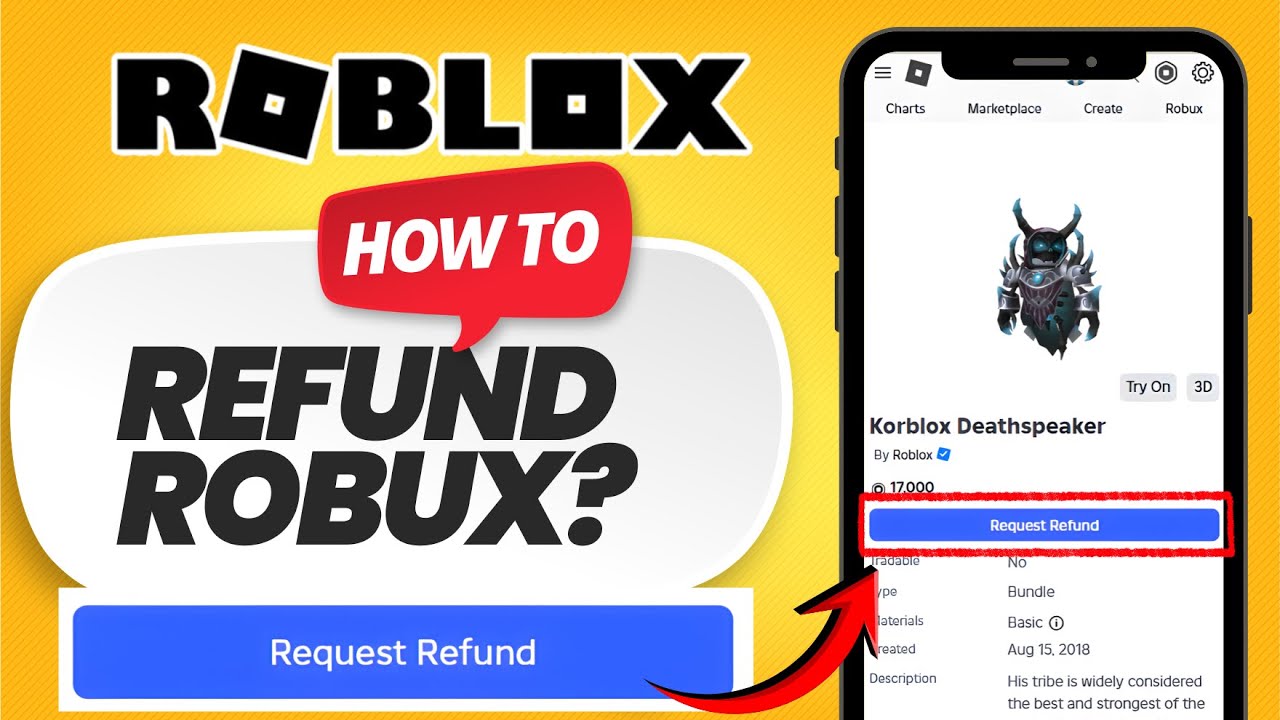

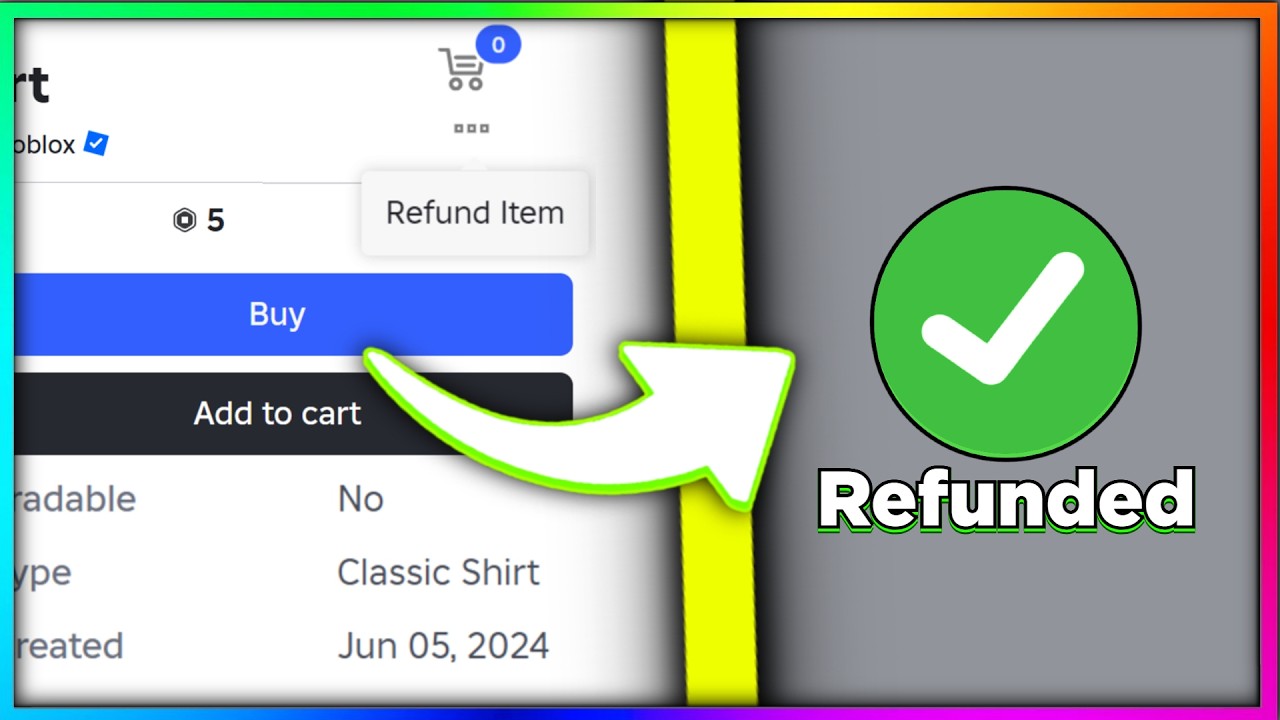

How To Refund Items On Roblox 2026 NEW UPDATE Get Your Robux Back . Solved How To Refund Your Roblox Items All Available Methods How To Refund Items In Roblox.webp. How To Refund Gamepasses On Roblox And Get Robux Back 2026 YouTube . How To REFUND CLOTHING On ROBLOX 2026 YouTube . How To REFUND ITEMS On Roblox PC 2026 YouTube

How To Request For A Refund On Roblox Step By Step Guide 2026 YouTube . How To Refund Items On Roblox PC Mobile Blog Banners 15.webp. How To Refund Robux On Roblox Step By Step Guide E928a1d8 812d 458e 89b8. How To REFUND ITEMS On Roblox 2026 Get Your Robux Back YouTube . The Ultimate Guide To Refunding Items On Roblox 2026 Edition Ricky 700x620


How To Refund Items In Roblox Full Guide YouTube . How To Get A Refund On A Gamepass In Roblox 2026 YouTube . HOW TO REFUND YOUR ROBLOX ITEMS AND GET YOUR ROBUX BACK 2026 FULL . How To Get A Refund On A Gamepass In Roblox 2026 YouTube . Can You Return Roblox Items A 2026 Guide