Navigating the social landscape of Roblox can seem like a quest in itself especially for busy adult gamers balancing work family and life. Many look to gaming as a vital escape a place to unwind build skills and connect with others. Knowing how to join groups Roblox is a powerful way to enhance this experience transforming solo play into a rich community adventure. This comprehensive guide is crafted for the discerning gamer who values efficient practical advice. Discover how connecting with like-minded players in Roblox groups can unlock exclusive content foster collaboration and provide a vital social outlet. We cover everything from finding the perfect community to understanding group dynamics ensuring you maximize your playtime. Learn to effortlessly integrate into Roblox's vibrant group system making your gaming sessions more rewarding and connected without wasting precious time. Our aim is to provide clear actionable steps to help you dive into the social side of Roblox today.
How do I find the best Roblox groups for adults?
Finding the best Roblox groups for adult gamers involves using the search bar on the Roblox 'Groups' page with specific keywords. Think about your interests: 'Roblox builders club adult,' 'mature Roblox roleplay,' 'Roblox competitive gaming,' or even specific game titles you enjoy. Many adult-focused groups might also link their Discord servers in their descriptions, offering a more direct way to connect with the community and gauge if it's the right fit before joining. Look for groups with clear rules and active discussion walls for a more engaging experience.
What are the immediate benefits after I join a Roblox group?
Immediately after joining a Roblox group, you often gain access to the group's dedicated 'wall' for communication, and potentially any group-exclusive games or items if they are automatically granted. You might also receive a new in-game rank or tag that identifies you as a member. For private or competitive groups, immediate benefits could include an invitation to a private Discord server or direct messages from group leaders welcoming you and outlining next steps for participation in events or specific game sessions. The core benefit is instant access to a community of like-minded players.
Can I join Roblox groups directly from a game?
While you can't directly join a group from within every Roblox game, many games offer integration where you can see groups associated with that experience or even have in-game prompts to join a creator's group. Often, a game's description or an in-game sign might direct you to the group's page on the Roblox website. The most reliable way to join any group is still by navigating to the main 'Groups' section on the Roblox website or app and searching for it there.
Why am I unable to join certain Roblox groups even after requesting?
If you're unable to join certain Roblox groups, several factors might be at play. The group could be private and require manual approval from an administrator, who might be reviewing your profile or simply busy. Some groups have strict requirements, like a minimum account age or specific in-game achievements, which you might not meet. Occasionally, the group might be full (though less common) or have temporarily closed its applications. Always recheck the group's description for specific joining rules or wait periods, and ensure you've completed any required CAPTCHA or questions.
Are there Roblox groups specifically for game developers or creators?
Yes, Roblox has a thriving ecosystem of groups dedicated to game developers, scripters, builders, and content creators. These groups are invaluable for networking, sharing resources, getting feedback on projects, and even finding collaborators. Search keywords like 'Roblox Devs,' 'Roblox Studio Community,' 'Roblox Scripters,' or 'Roblox Builders.' Many successful Roblox games and experiences have emerged from collaborations forged within these specialized groups, offering a fantastic opportunity for skill-building and project work for those balancing gaming with their creative ambitions.
How can I check the activity level of a Roblox group before joining?
Before committing to a Roblox group, you can gauge its activity level by checking a few key indicators on its page. Look at the 'Group Wall' to see how recent and frequent the posts are. A wall with daily posts indicates a very active community. Check the 'Members' tab to see the total number of members and if that number is steadily growing. Also, look for recent 'Group Shout' updates, which are typically used by admins for important announcements. A lively group description, external links to active Discord servers, and frequent in-game events mentioned in the description are also strong signs of an engaged community.
What is the difference between a public and a private Roblox group?
The primary difference between public and private Roblox groups lies in their joining process and accessibility. Public groups allow anyone to join instantly with a single click, often after a quick CAPTCHA. They are generally open and focus on broad interests. Private groups, on the other hand, require an administrator to manually approve each join request. This allows the group owners to screen potential members, ensuring a more curated, controlled, or exclusive community, often leading to a more focused and mature environment perfect for specific adult gaming interests or competitive teams.
Hey fellow gamers! Ever find yourself logging into Roblox after a long day, looking to unwind, but feeling a bit disconnected from the wider community? You are not alone. For many of us, gaming is a cherished way to relax, de-stress, and even build new skills, but with jobs, families, and life's demands, finding time to connect with others online can be tricky. You might love a certain game on Roblox, but wish there was a way to team up consistently, share strategies, or just hang out with players who get it. This is where knowing how to join groups Roblox becomes a game-changer. Imagine easily finding your tribe, accessing exclusive perks, and elevating your Roblox experience from solo play to a vibrant, social adventure. This guide is your cheat sheet to unlocking that next level of connection and fun on Roblox, designed specifically for busy adults who want maximum enjoyment from their gaming time.
In today's gaming world, social interaction is huge. Did you know that roughly 87 percent of US gamers play regularly, often logging 10+ hours a week? A significant portion of that time, especially on platforms like Roblox, is spent seeking social experiences. Mobile gaming continues its dominance, and cross-play is more important than ever, making platforms that foster community across devices truly shine. Roblox groups are at the heart of this social trend, offering a structured way to find like-minded players, collaborate on projects, and even participate in special group-exclusive events. Whether you are into role-playing, obbies, or just chilling in a hangout game, a group can make all the difference. Let's dive in and demystify how to join groups Roblox, so you can spend less time searching and more time playing and connecting!
What are Roblox Groups and Why Should I Join One?
Roblox groups are essentially online communities within the Roblox platform. Think of them as clubs or guilds where players with shared interests can gather. These interests can range from specific games, development teams, fan groups for popular creators, role-playing factions, or even just social hangouts for friends. Joining a group significantly enhances your Roblox experience by providing a dedicated space for interaction and shared activities. Many groups offer exclusive in-game items, special ranks, access to private servers, or even Robux payouts for active members.
For adult gamers, groups are fantastic for finding reliable teammates, discussing strategies, or simply unwinding with a mature community. It is a streamlined way to connect with people who understand your schedule and gaming style, making it easier to enjoy social play without the commitment of a large, random friend list. With social gaming being a top trend this month, leveraging Roblox groups means you are tapping into one of the most effective ways to build meaningful online connections and maximize your relaxation time.
How Do I Find Groups on Roblox?
Finding the right group on Roblox is straightforward. The primary method is through the Roblox website or app's dedicated 'Groups' section. Here's a simple breakdown:
Step 1: Log In to Roblox. Ensure you are signed into your Roblox account on either the website or the mobile app.
Step 2: Navigate to the Groups Page. On the website, look for 'Groups' in the left-hand navigation menu. On the mobile app, tap the three dots (...) for 'More', then select 'Groups'.
Step 3: Use the Search Bar. Once on the Groups page, you'll see a search bar. This is your most powerful tool. Type in keywords related to your interests. For example, if you love playing Adopt Me, search for 'Adopt Me fans' or 'Adopt Me trading'. If you are a developer, try 'Roblox development' or 'scripting community'.
Step 4: Explore Featured and Recommended Groups. Roblox often highlights popular or recommended groups on the main Groups page. These can be a great starting point if you are unsure what to search for.
Step 5: Browse by Category (Website Only). On the website, you might find categories or filters to refine your search, although keyword search is generally more effective for specific interests.
Remember, being specific with your search terms will yield better results. Consider the games you play, the types of people you want to connect with, or the skills you want to develop.
What are the Steps to Officially Join a Roblox Group?
Once you have found a group that piques your interest, the process to join is usually quite simple. Here's how to do it:
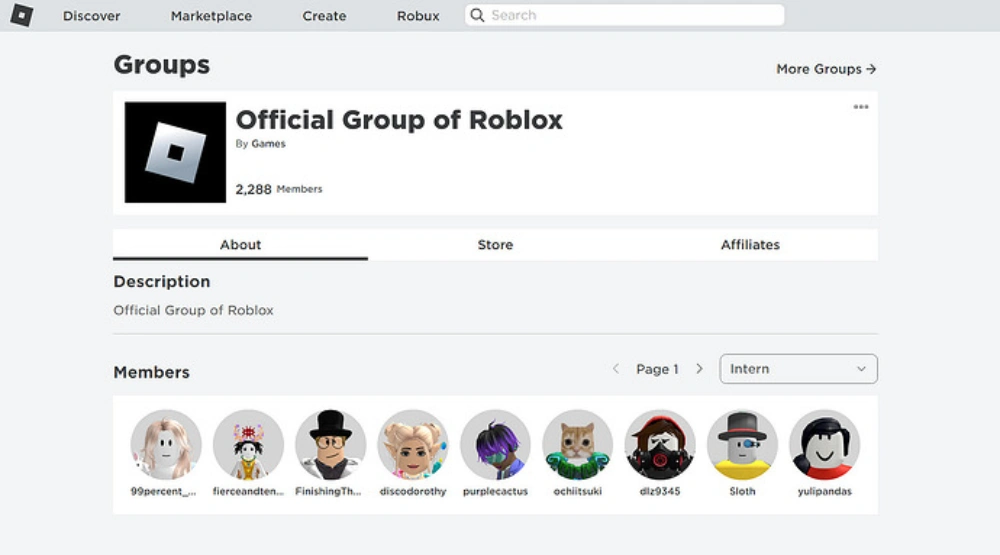
Click on the Group's Name or Icon. This will take you to the group's dedicated page. This page provides essential information about the group, including its description, members, allies, and sometimes even a link to a Discord server.
Review the Group Description and Rules. Before joining, it's wise to read the group's description carefully. This will tell you what the group is about, its purpose, and any specific rules or expectations for members. Many groups for adult gamers will clearly state their focus, helping you determine if it's a good fit for your relaxation and social goals.
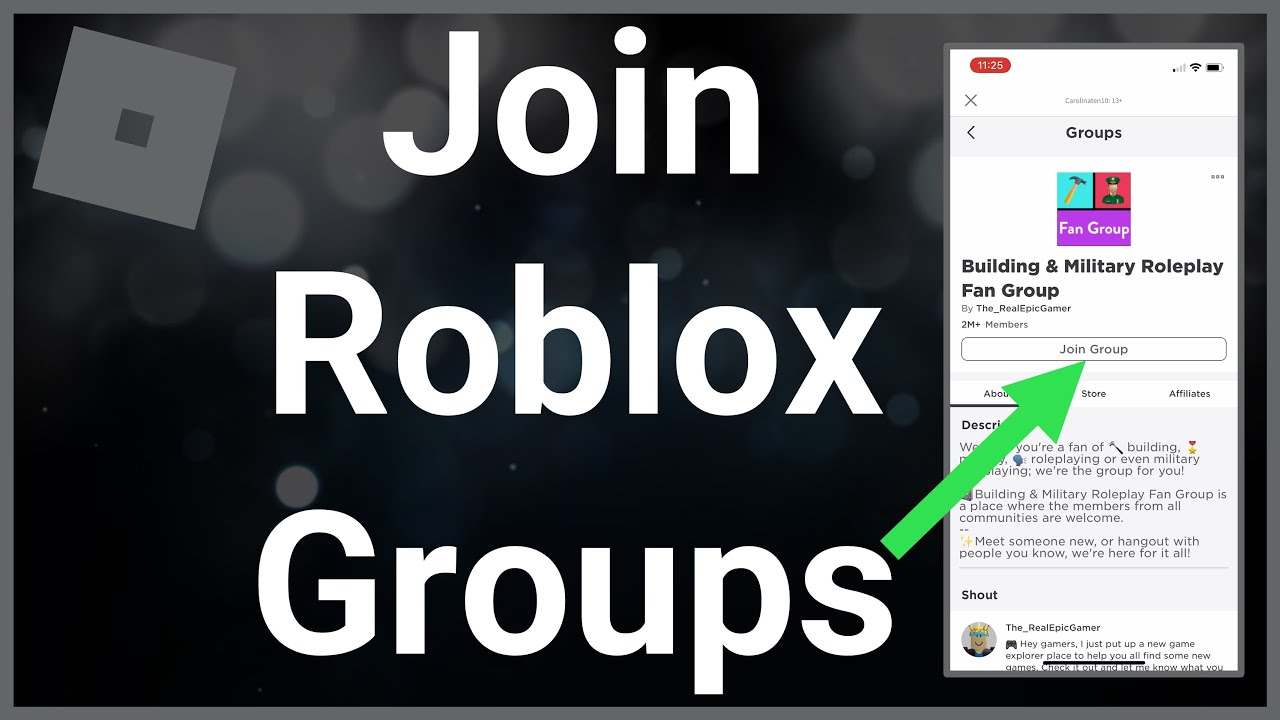
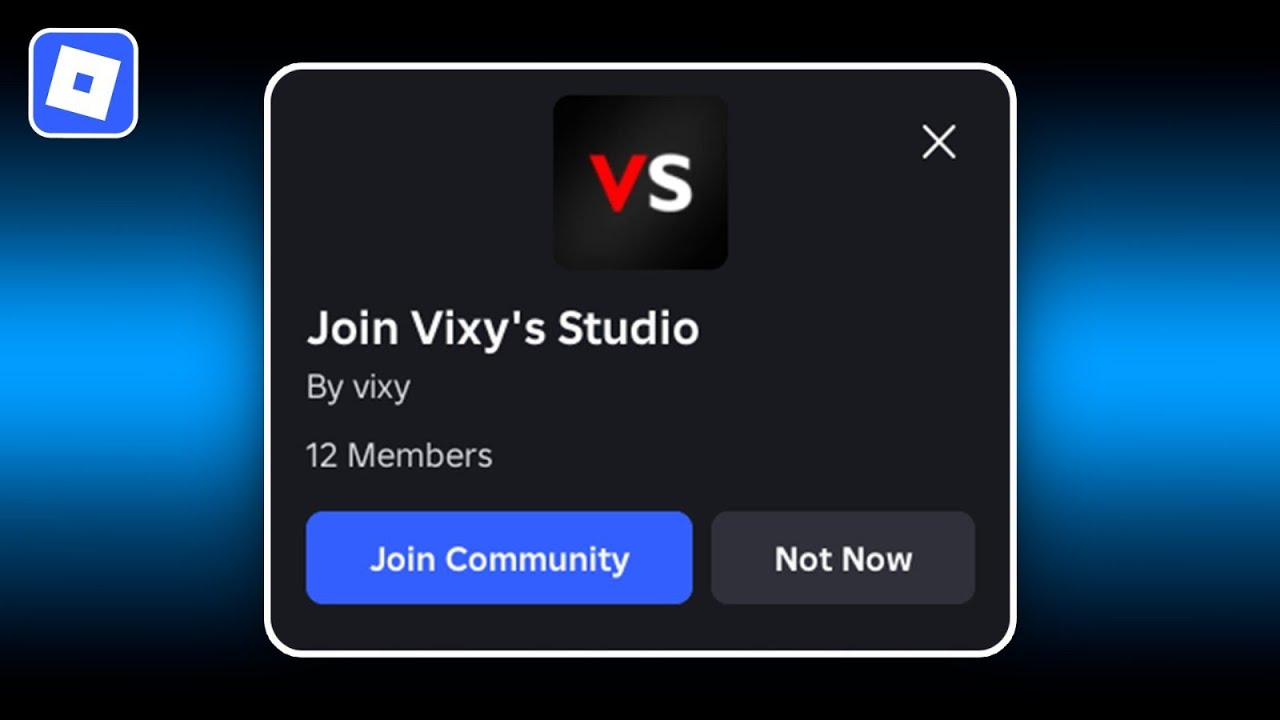
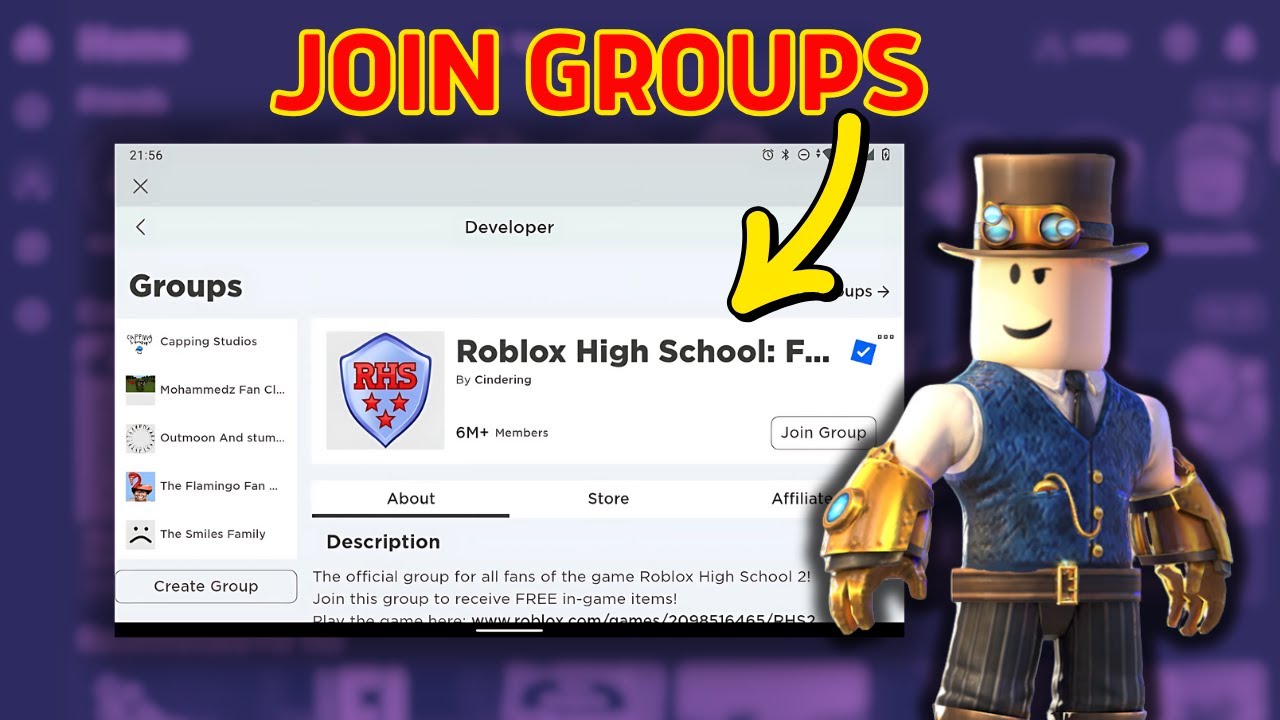
Click the 'Join Group' Button. This button is typically prominent on the group's page. The specific process after clicking 'Join Group' can vary depending on the group's settings:
Instant Join: Many public groups allow instant joining. You click the button, and you're in! A confirmation message will appear.
Pending Approval: Some groups, particularly private ones or those with specific membership requirements, may require an administrator to approve your request. After clicking 'Join Group', your request will be sent, and you'll need to wait for approval. You might see a message like 'Request Sent' or 'Pending'.
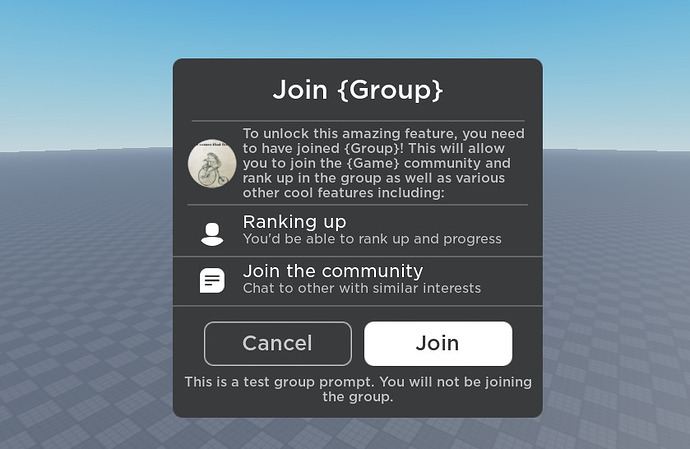
Verification Question/Captcha: To prevent bots, some groups require you to answer a simple question or complete a CAPTCHA challenge before your join request is processed. This is usually a quick step.
Confirm Membership. Once approved (or if it was an instant join), you'll officially be a member. You can verify this by checking your 'My Groups' section on the Roblox website/app, or by revisiting the group's page where the 'Join Group' button will have been replaced by 'Leave Group' or 'Pending'.
It's that easy! Now you're part of a new community.
Can I Join Private or Moderated Roblox Groups?
Absolutely, you can join private or moderated Roblox groups, though the process involves an extra step: waiting for approval. Unlike public groups where you join instantly, private groups prioritize a more curated community. This can be particularly appealing for adult gamers seeking a more mature, focused, and troll-free environment. Many developer teams, dedicated role-playing factions, or specific community hubs opt for private settings to maintain quality and ensure members align with their goals.
When you click 'Join Group' on a private or moderated group, your request is sent to the group's administrators or moderators. They will then review your profile, and possibly check your activity or even ask a quick question if the group has a special application process. This wait time can vary from a few hours to a few days. The key is patience! If you do not hear back within a reasonable timeframe, you might consider trying a different group, or if the group has a public Discord server linked, you could politely inquire there.
What Are the Benefits of Being in a Roblox Group?
Joining Roblox groups offers a wealth of advantages, especially for players looking to enhance their overall gaming experience. For busy gamers balancing life and play, these benefits can significantly amplify your limited gaming time:
Enhanced Social Connection: This is a primary draw. Groups provide a consistent community where you can chat, make friends, and find people to play with regularly. No more random matchmaking for crucial team games!
Exclusive Content and Perks: Many groups offer unique in-game items, special access to certain games or areas, exclusive group funds or Robux payouts, and even custom ranks that grant privileges.
Teamwork and Collaboration: If you enjoy games that require coordination, groups are ideal for forming reliable teams for raids, competitive matches, or collaborative building projects. This boosts efficiency and fun.
Information and Support: Groups can be a hub for game-specific knowledge, tips, and tricks. Struggling with a boss? Need advice on building? A group is often the fastest way to get help from experienced players.
Participation in Group Events: Many groups host their own events, contests, and giveaways, adding another layer of engagement to your Roblox playtime. These could be anything from building competitions to role-playing scenarios.
Identity and Belonging: Being part of a group gives you an identity within the vast Roblox universe, fostering a sense of belonging and community that many online gamers crave, especially those looking for a relaxing escape.
Considering that social gaming is thriving, with platforms like Roblox leading the charge, being part of a group is almost essential for a full, rich experience in 2026. It's about finding your people and making every minute count.
How Many Groups Can I Join on Roblox?
Roblox allows each user to join a maximum of 100 groups. This limit provides ample room for players to explore various communities and interests without cluttering their group list. For most gamers, 100 groups is more than enough to cover a wide range of favorite games, social circles, and development interests. If you find yourself hitting this limit, it might be a good opportunity to review your current group memberships and leave any groups that are no longer active or relevant to your gaming style.
Remember, the quality of your group experiences often outweighs the quantity. It is better to be an active, engaged member of a few core groups that truly resonate with your interests than to be a passive member of many. This allows you to better balance your gaming with your life and focus on the connections that truly matter.
What If I Can't Find a Specific Group or Join One?
Sometimes, despite your best efforts, you might encounter issues. Here are some common troubleshooting tips:
Check Your Spelling: A simple typo can prevent a group from showing up in search results. Double-check your keywords.
Verify Group Settings: The group might be private (requiring approval) or invite-only. If it is invite-only, you will need an existing member to send you an invitation.
Group May Be Deleted or Inactive: If a group no longer exists or has been inactive for a very long time, it might not appear. Roblox periodically cleans up inactive groups.
Your Account Restrictions: Ensure your Roblox account does not have any restrictions that might prevent you from joining groups. While rare, certain moderation actions could temporarily affect this.
Internet Connection: A poor internet connection can sometimes cause loading issues. Try refreshing the page or checking your Wi-Fi.
Roblox Status: Occasionally, Roblox itself might experience outages or maintenance. Check the official Roblox status page or social media for any known issues.
Contact Group Admins: If you are trying to join a private group and your request is pending for an unusually long time, and you have a way to contact group administrators (e.g., via a linked social media or Discord), a polite inquiry might help.
Most issues are minor and can be resolved with a quick check. If all else fails, exploring other similar groups is always an option – the Roblox community is vast!
Can I Create My Own Roblox Group?
Yes, you absolutely can! Creating your own Roblox group is a fantastic way to carve out your unique space on the platform, gather friends, and build a community around your specific interests, games, or creative projects. This feature is particularly popular among creators, aspiring developers, or just groups of friends who want a dedicated hangout.
To create a group, you will typically need a small amount of Robux (the in-game currency), usually around 100 Robux. This fee helps deter spam and ensures that group creation is a more considered decision. The process involves navigating to the 'Groups' page, finding the 'Create Group' button, and then filling in details like the group name, description, and emblem. You will also set the group's privacy (public or private) and initial roles. It's a great way to take your social gaming to the next level, offering you complete control over your community's rules and activities.
Conclusion
Diving into Roblox groups is more than just clicking a button; it is about unlocking a richer, more connected gaming experience. For busy adults who cherish their gaming time, knowing how to join groups Roblox transforms solo sessions into shared adventures, offering a vital social outlet, exclusive perks, and a sense of belonging. With the power of community, you are not just playing games; you are building connections, honing skills, and making the most of every precious minute you dedicate to relaxation and fun. So go ahead, find your tribe, and elevate your Roblox journey today!
What's your biggest gaming challenge when it comes to connecting with other players? Comment below!
FAQ Section
How do I join a Roblox group on mobile?
Joining a Roblox group on mobile is very similar to desktop. Open the Roblox app, tap the three dots (...) for 'More', then select 'Groups'. Use the search bar to find groups, tap on a group you like, and then hit the 'Join Group' button. You might need to answer a question or solve a CAPTCHA.
Is there a cost to join Roblox groups?
No, joining existing Roblox groups is completely free. You only pay a small Robux fee if you decide to create your own group. This makes it a very accessible way to enhance your social gaming experience.
How do I leave a Roblox group?
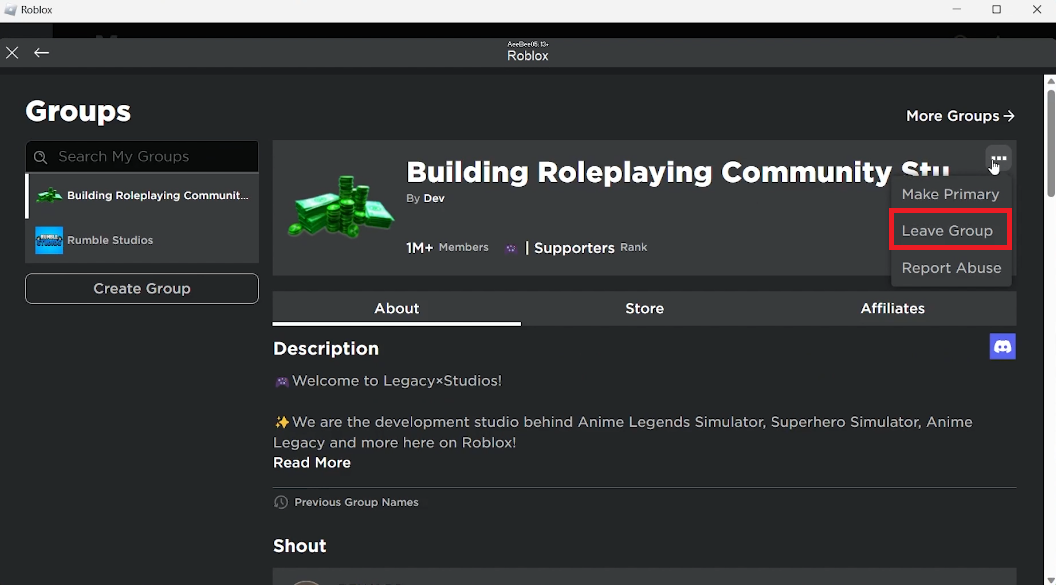
To leave a Roblox group, navigate to the group's page (either through the 'Groups' section or directly). On the group's page, look for the three dots (...) icon usually near the group name or description. Click on it, and you'll see an option to 'Leave Group'. Confirm, and you'll be out.
What are group roles in Roblox?
Group roles define a member's rank and permissions within a Roblox group. Common roles include Member, Moderator, and Admin. Higher ranks typically have more control over group settings, permissions, and even the ability to manage other members. These roles are set by the group owner.
Can I communicate with my group members?
Yes, Roblox groups typically have a dedicated group wall where members can post messages and chat. Many groups also link to external communication platforms like Discord servers for more in-depth conversations, voice chat, and event coordination, especially for active communities.
What is a group's 'wall'?
A group's 'wall' is a public message board located on the group's page. It's where all members can post short messages, engage in discussions, and share updates. It's a quick way for group members to communicate with each other directly within the Roblox platform.
Effortlessly find and join Roblox groups. Discover how groups enhance social gaming and unlock exclusive features. Learn to navigate group search, direct invites, and public versus private groups. Understand the benefits of group membership for community and collaboration. Troubleshooting tips for common group joining issues. Practical advice for busy adult gamers to optimize their Roblox experience.
35


How To Join A Roblox Group 2026 YouTube . How To Join A Group In Roblox 2026 YouTube . How To Join A Roblox Group Step By Step YouTube . How To Join A Roblox Group YouTube . How To Join A Group In Roblox Full Guide YouTube



HOW TO JOIN GROUPS IN ROBLOX PS5 FULL GUIDE 2026 YouTube . How To Join Groups On Roblox YouTube . How To Join A Roblox Group YouTube . How To Join A Group In Roblox Join Roblox Community YouTube . Joining Roblox Groups Your Easy Guide 3 Leave Group



How To Create A Group On Roblox 2026 Make Roblox Group YouTube . How To Let Players Join Your Group In Game Roblox Studio YouTube . How To Join A Roblox Group Full Tutorial YouTube . Level Up Join Roblox Groups Like A Pro 2 690x449 . How To Join A Group On Roblox 2026 YouTube


How To Join Groups In Roblox Complete Guide All Platforms V4 460px Join Groups In Roblox Step 2 . How To Join A Group In Roblox Step By Step Tutorial YouTube . How To Join A Group On Roblox On PC New Update YouTube . ROBLOX HOW TO JOIN A GROUP How To Leave A Group On Roblox How To . How To Join A Roblox Group Quick Guide For Beginners How To Join A Group On Roblox Guide Beginners 5.webp



How To Join A Roblox Group Step By Step Guide V G7fxzo. Roblox Joins On How To Enable Them In 2026 Appear Offline On Roblox Step 13 . How To Join Roblox Communities Join A Group YouTube . Joining Roblox Groups Your Easy Guide . How To Join A Group In Roblox Join Roblox Groups Quick Easy YouTube


How To Join A Group In Roblox 2026 Step By Step Guide YouTube . How To Join A Group In Roblox EASY 2026 YouTube . How To Join Groups On Roblox TechStory 11 750x375 . HOW TO JOIN A GROUP ON ROBLOX 2026 GUIDE YouTube . How To Join Roblox Players Seamlessly A 2026 Guide Join Other Roblox Game




How To Join A Group In Roblox A Step By Step Guide How To Join A Group In Roblox . How To Join A Group In Roblox YouTube . How To Join A Roblox Group Step By Step Guide For 2024 YouTube . How To Join A GROUP In ROBLOX Easily FULL GUIDE YouTube . How To Join Groups On Roblox Mobile Step By Step Guide YouTube